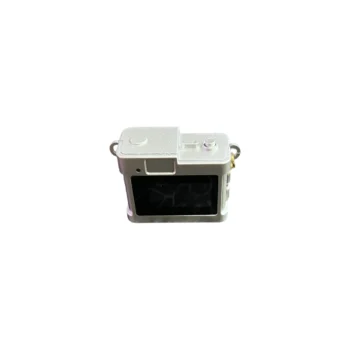
Keychain Mini Camera for Photos and Video with Memory Card IEDISTAR LC-11 720P
A5023

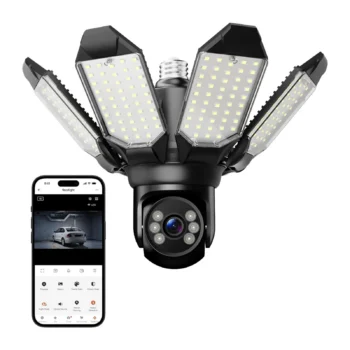
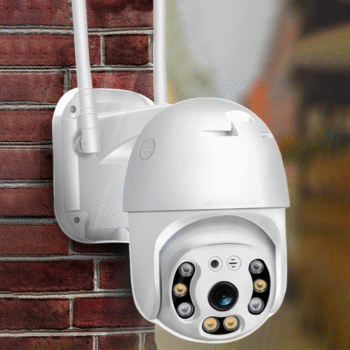
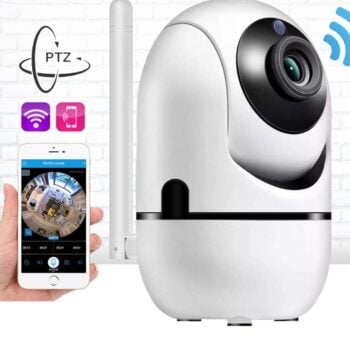
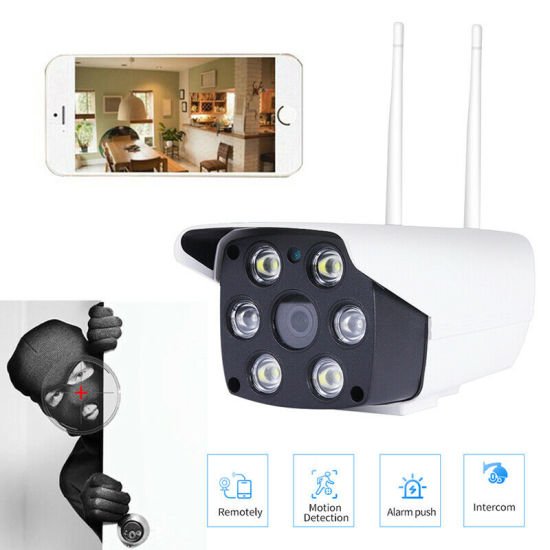
Security Camera: The Doom Security Camera with portalamp and Wi-Fi is a modern solution for continuous monitoring of premises. It offers HD video and remote control via phone, giving you security and peace of mind at all times. Ideal…
Contact us
Security Camera (2mp) with E27 Bulb Socket
Description:
Security Camera: The Doom Security Camera with Portalamp and Wi-Fi is a modern solution for continuous monitoring of premises. It offers HD video and remote control via phone, giving you security and peace of mind at all times. Ideal for homes, small businesses or offices, this camera serves anyone looking for reliable protection and 24/7 monitoring.
Function: Equipped with 360° rotation, the camera covers every angle without blind spots. The Two-Way Audio function allows you to communicate in real time, while motion detection and smart alarm notify you immediately of any suspicious activity. With the split screen option and control from your phone, use becomes simple and practical. Cloud storage and TF card support offer maximum flexibility for recordings.
Design: The compact design with portalamp makes it easy to install. The materials are durable for long-term use. The camera operates on AC100~240V power and is suitable for uninterrupted monitoring 365 days a year, 24 hours a day.
Configuration:
1.Download the 390Eyes App
2.Log in via email registration
3. Turn on the camera.
4.Open the application
5.The camera confirms readiness for connection (Waiting to connect)
6. The wireless environment must have a signal in the environment where you want to mount the camera.
7.Connect to the ambient wireless with your phone.
8.In the application, select the add camera button or the + button on the sidebar.
9. The camera automatically appears in the application under the name Security Camera.
10. Enter the wireless code.
11.The camera connection is done automatically.