Limited stock
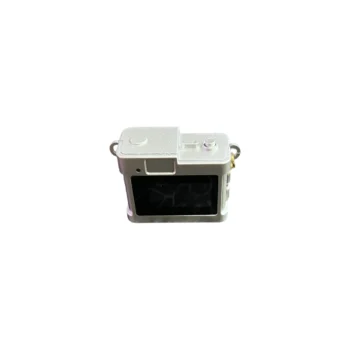
Keychain Mini Camera for Photos and Video with Memory Card IEDISTAR LC-11 720P
A5023
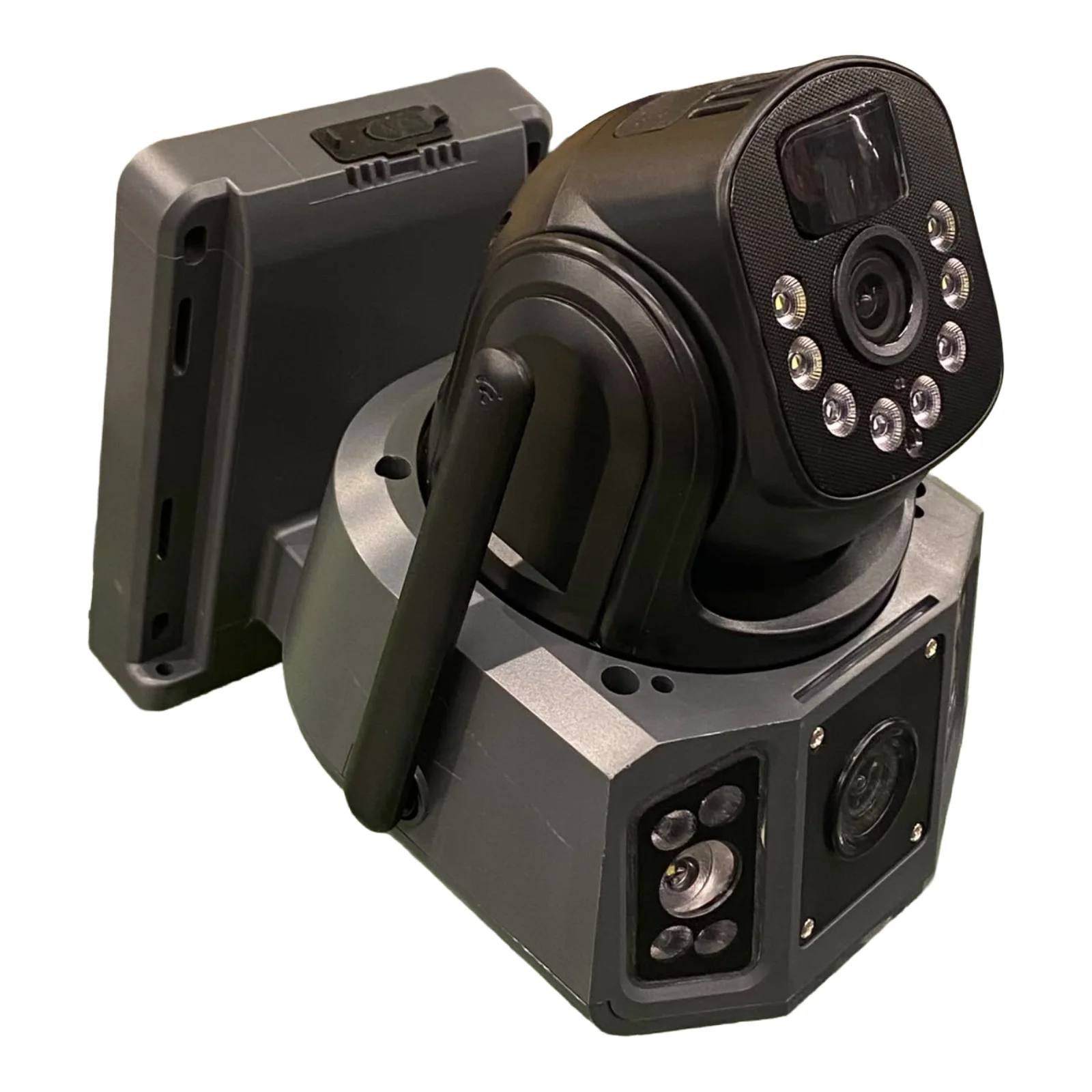
Kamer me panel diellor: Kamera furnizohet me energji nga dielli përmes panelit të integruar, i cili ka përmasa 24x17 cm. Kjo siguron funksionim të vazhdueshëm pa nevojë për rrymë elektrike. Funksionon me kartë SIM: Mbështet SIM kartë për lidhje interneti…
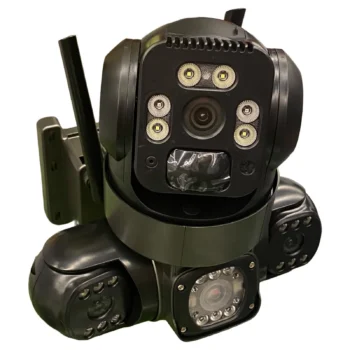
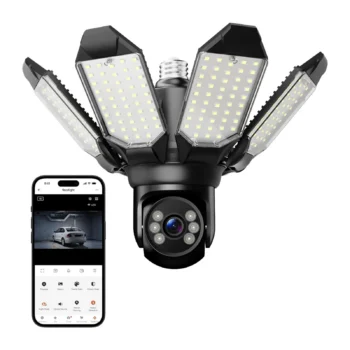
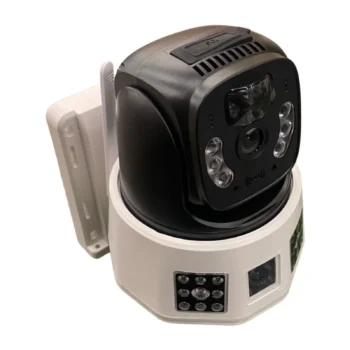
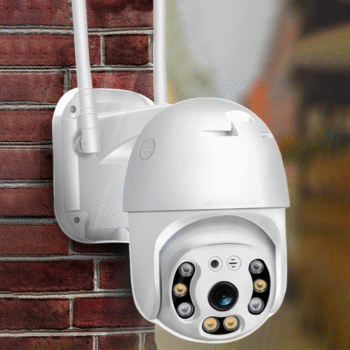
Kamër me Kartë Sim dhe Panel Diellor
Solar panel camera: Kamera furnizohet me energji nga dielli përmes panelit të integruar, i cili ka përmasa 24×17 cm. Kjo siguron funksionim të vazhdueshëm pa nevojë për rrymë elektrike.
Works with SIM card: Mbështet SIM kartë për lidhje interneti pa Wi-Fi. E bën të përshtatshme për zona të largëta apo pa rrjet wi-fi shtëpie.
Mbështetje për kartë SD për ruajtje: Regjistrimet ruhen automatikisht në kartën SD. Mund ti aksesoni në çdo moment për rishikim.
Motion detection: Kamera aktivizohet kur detekton lëvizje. Dërgon menjëherë njoftim në telefon për siguri maksimale.
Two-way audio: E pajisur me mikrofon dhe altoparlant për komunikim. Ju lejon të dëgjoni dhe flisni në kohë reale me këdo që ndodhet pranë saj.
Easily installed: Montimi i kamerës është i thjeshtë dhe pa kabuj. Mund të vendoset në çdo sipërfaqe me pak hapa.
Color Night Vision: Ofron pamje të qartë edhe në errësirë. Siguron mbikëqyrje të plotë edhe gjatë natës.
Pamje në çdo moment: Lidhet me aplikacion për aksesim nga telefoni. Ju mund të shikoni ambientin live, kudo që ndodheni.
User manual in the packaging: Vjen me manual të detajuar në anglisht. Ju udhëzon hap pas hapi në përdorim dhe instalim.
Përdoret për ambiente të ndryshme: E përshtatshme për oborre, magazina, dyqane, vila apo kapanone. Jep siguri në çdo vend që nevojitet mbikëqyrje.
Water resistant: Projektuar për përdorim të jashtëm dhe e papërshkueshme nga uji. Mund të përballojë shi, lagështi dhe kushte të motit të keq.
Konfigurim me hapa të thjeshtë: Përmes aplikacionit V380 Pro, konfigurimi është i lehtë. Vetëm disa hapa dhe kamera është gati për përdorim.
Configuration:
You can access the camera wherever you are.