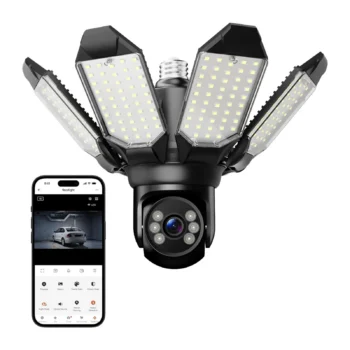
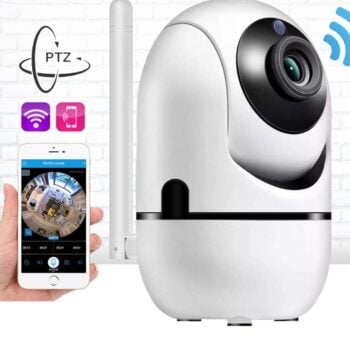
Smart Dome Camera 360° with SIM Card and Solar Panel
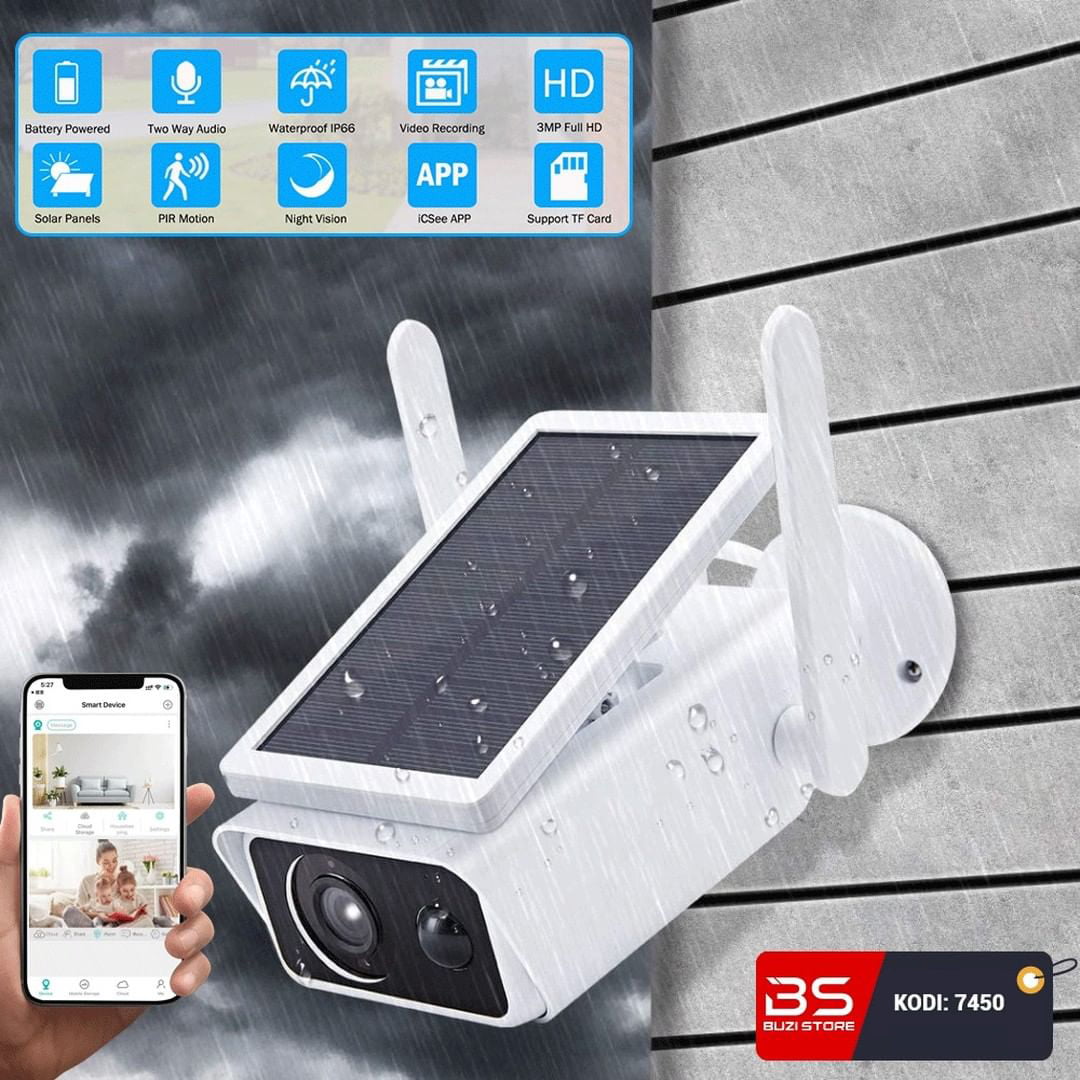
Security camera: Provides continuous surveillance of your property. Ideal for real-time storage and event review. With solar panel: Powered by the integrated solar panel. No electrical connection or charging required.
- Security camera.
- With solar panel.
- It works with a SIM card.
- Supports SD card.
- Two-way talk.
- Motion detection.
- Simple installation.
- Suitable for various environments.
- Against the water.
- Clear vision at night.
- Easy configuration.
- User manual in the packaging.
DOOM 360° Smart Camera with SIM Card and Solar Panel
Description:
Security camera: Provides continuous surveillance for your property.
Ideal for real-time storage and event review.
With solar panel: It is powered by the integrated solar panel.
No electrical connection or charging required.
Works with SIM card: It connects to the internet via a SIM card.
Suitable for areas without Wi-Fi.
Supports SD card: Recordings are stored on the SD card that is inserted into the device.
The data is secure and accessible.
Two-way talk: You can hear and speak in real time with people around the camera.
It helps with direct communication and preventing unwanted situations.
Motion detection: The camera is automatically activated when someone moves.
Sends notifications to your phone to alert you of someone's presence.
Simple installation: Assembly is quick and without the need for cables.
It can be placed on a wall, fence or other surface.
Suitable for various environments: It is used in yards, entrances, warehouses or villas.
It provides security wherever you use it.
Against water: Designed for durability in bad weather conditions.
Resistant to rain, dust and moisture.
Clear vision at night: The camera offers color images even in the dark.
Provides detailed 24/7 surveillance.
Easy configuration: Connect to the V380 Pro app in a few quick steps.
It makes it simple for anyone without technical knowledge.
User manual in the packaging: The packaging includes complete instructions.
Helps in installation and use without confusion.
Configuration:
- Download the V380 Pro App.
- Insert the SIM card into the camera.
- Make sure the camera has internet.
- It must be pinless and have an offer.
- Press the Reset button for a few seconds (until the camera says Reset Completed).
- After you have downloaded the application, open an account.
- Log in to your account.
- Click on +.
- Scan the QR code that the camera has.
- Wait until the camera has confirmed readiness for confirmation.
- You can access the camera wherever you are.
- SKU
- A3444
- Weight
- 0.1 kg
- Category
- Smart Cameras & Systems