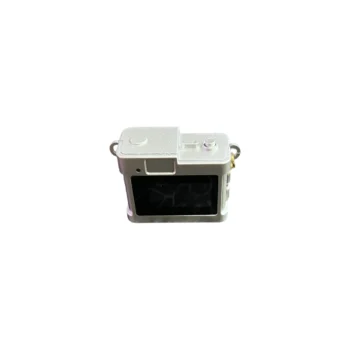
Keychain Mini Camera for Photos and Video with Memory Card IEDISTAR LC-11 720P
A5023

Security Camera: 360° Security Camera with WiFi and 2 Lenses (Dual Lens) is the ideal solution for complete monitoring of your environment, anytime and from anywhere. This smart camera offers full 360° coverage, eliminating areas of…
Contact us
360° Wi-Fi Security Camera with 2 Lenses
Description:
Security camera: The 360° WiFi Security Camera with 2 Lenses (Dual Lens) is the ideal solution for complete monitoring of your environment, anytime and from anywhere. This intelligent camera offers full 360° coverage, eliminating blind spots and increasing security in your home, business or outdoor environment. It is suitable for families, business owners and anyone who seeks control and peace of mind through modern technology.
Functions: Thanks to two lenses and the “2 Screen / 2 View” function, the camera allows you to monitor two angles simultaneously in real time. Functions such as motion tracking and human detection enable movement identification and automatic focus on people, significantly increasing security efficiency. Full Color Night Vision and two-way audio give you the opportunity to see and communicate at any time. Moreover, you can share access with several users for joint monitoring.
Design: The compact design and 360° PTZ function (horizontal and vertical rotation) ensure maximum flexibility in installation and use. It easily connects to the app via WiFi and Bluetooth, making setup quick and practical.
Configuration:
1.Download the 390Eyes App
2.Log in via email registration
3. Turn on the camera.
4.Open the application
5.The camera confirms readiness for connection (Waiting to connect)
6. The wireless environment must have a signal in the environment where you want to mount the camera.
7.Connect to the ambient wireless with your phone.
8.In the application, select the add camera button or the + button on the sidebar.
9. The camera automatically appears in the application under the name Security Camera.
10. Enter the wireless code.
11.The camera connection is done automatically.