Q981010

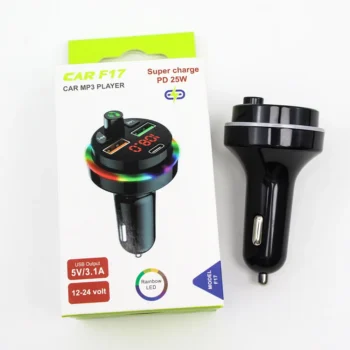
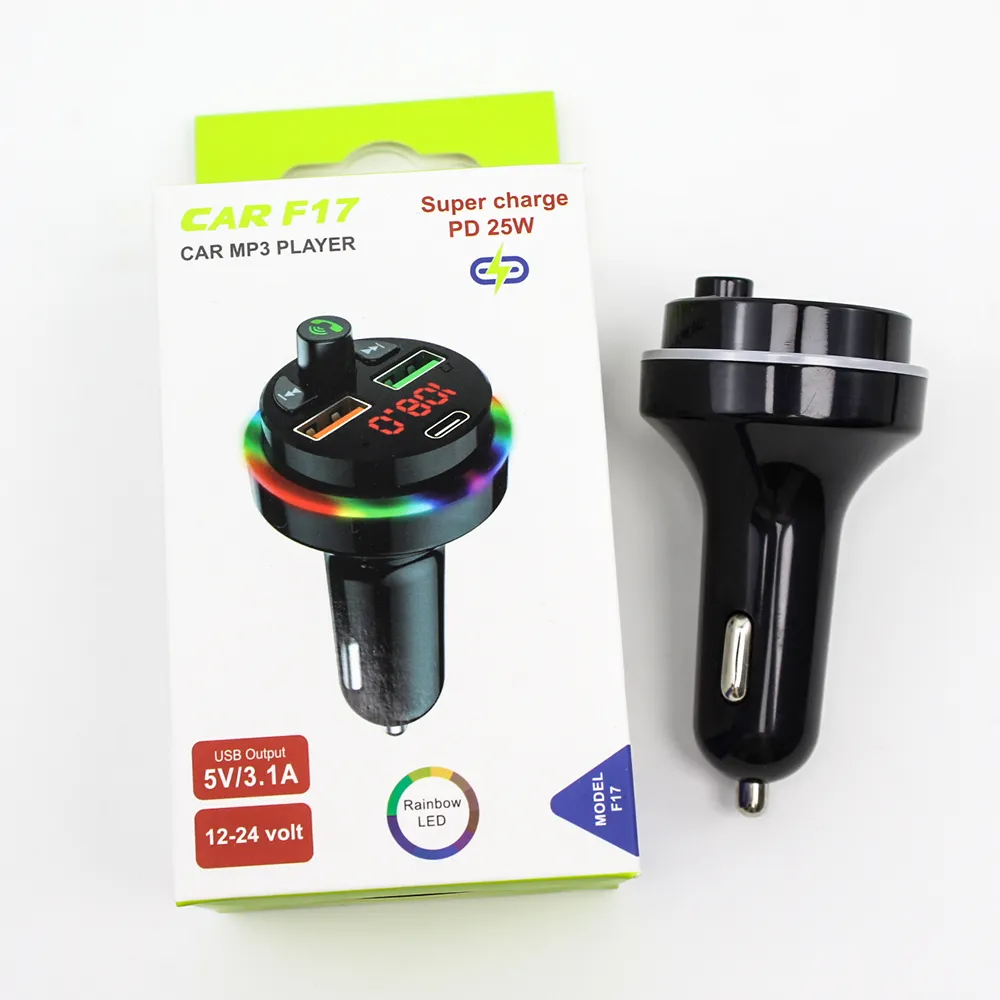
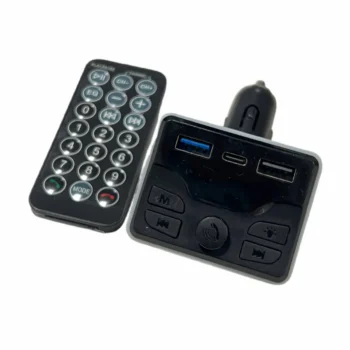
Car MP3 F17

In stock 7 sold In Audio & MP3

Bluetooth Hands-Free Calling and Music Function: Allows you to connect your mobile device to your car's audio system for hands-free phone calls and music listening. The MP3 connects to your car radio with…

Current price 700 L
Fast delivery in Albania In stock and ready for delivery
Order now

  • MP3 for the car.
  • Connects to the car radio.
  • Frequency response: 87.5 - 108.0MHz
  • Allows listening to music.
  • Enables answering calls.
  • Supports: USB/TF/Bluetooth.
  • LCD screen
  • 2 USB ports & 1 Type C port.
  • Voltage: DC12V-24V.
  • Supports fast charging up to 25W via Type-C port
  • Dimensions: 5 x 4.5 x 8cm with a body weight of approximately 100grams

Car MP3 F17

Bluetooth Hands-Free Calling and Music Function: Allows you to connect your mobile device to the car's audio system for phone calls and music listening without the need for physical intervention.
The MP3 connects to your car radio via radio frequencies (87.5 – 108.0MHz). Audio transmission is direct without interference.

2 USB charging ports and 1 Type C port: Offers the ability to power multiple devices at the same time using USB and Type C ports for high-speed charging up to 25 watts.

Echo cancellation and noise processing during calls: Ensures high sound quality during calls using echo cancellation and noise processing technologies.

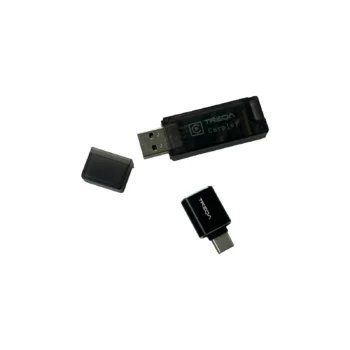
Supports U-Disk/TF/Bluetooth and MP3/WAV Music Formats: Allows the use of U-Disk or TF card to listen to music in various formats such as MP3 and WAV, via Bluetooth connection. The device allows you to listen to your favorite music without any problems, just use a free radio channel.

Simple use:
  • Start the car.
  • Insert the MP3 into the cigarette port.
  • The MP3 screen will display the current voltage of your car.
  • The current frequency will be displayed on the MP3 screen.
  • You can change the frequencies in the MP3 as desired. (It is suggested that you find an empty frequency so that you do not have interference.)
  • To change the frequency in MP3, press and hold the light change button.
  • The frequency will flash.
  • You can change the frequency using the buttons (Next < &> Previous).
  • Tune the radio frequencies to the same frequencies as the MP3.
  • Connect your phone to your MP3 player via Bluetooth.
    MP3 will appear in your settings.
  • After the first connection, your phone will connect automatically every time.
SKU
Q981010
Weight
0.1 kg
Category

Fast deliveryYour order is delivered quickly to your address. Delivery usually takes 1–3 days, depending on the city.
ReturnsFor any problem with an online order, call us or contact us on social media and we will help you.
700 L