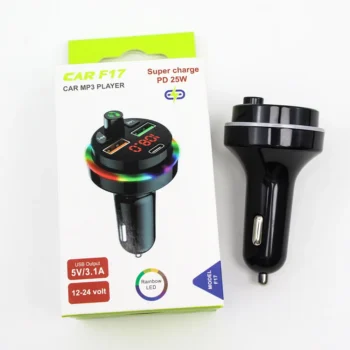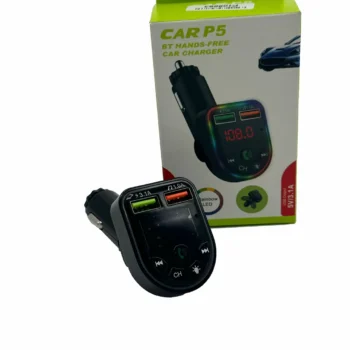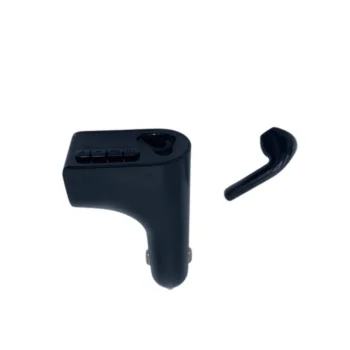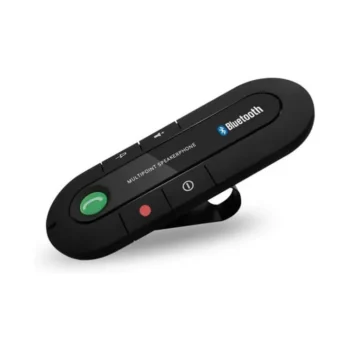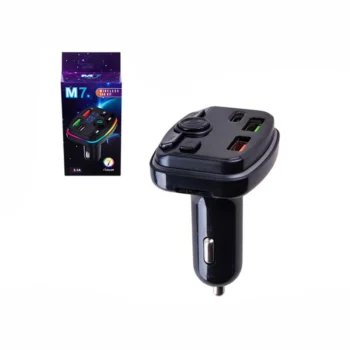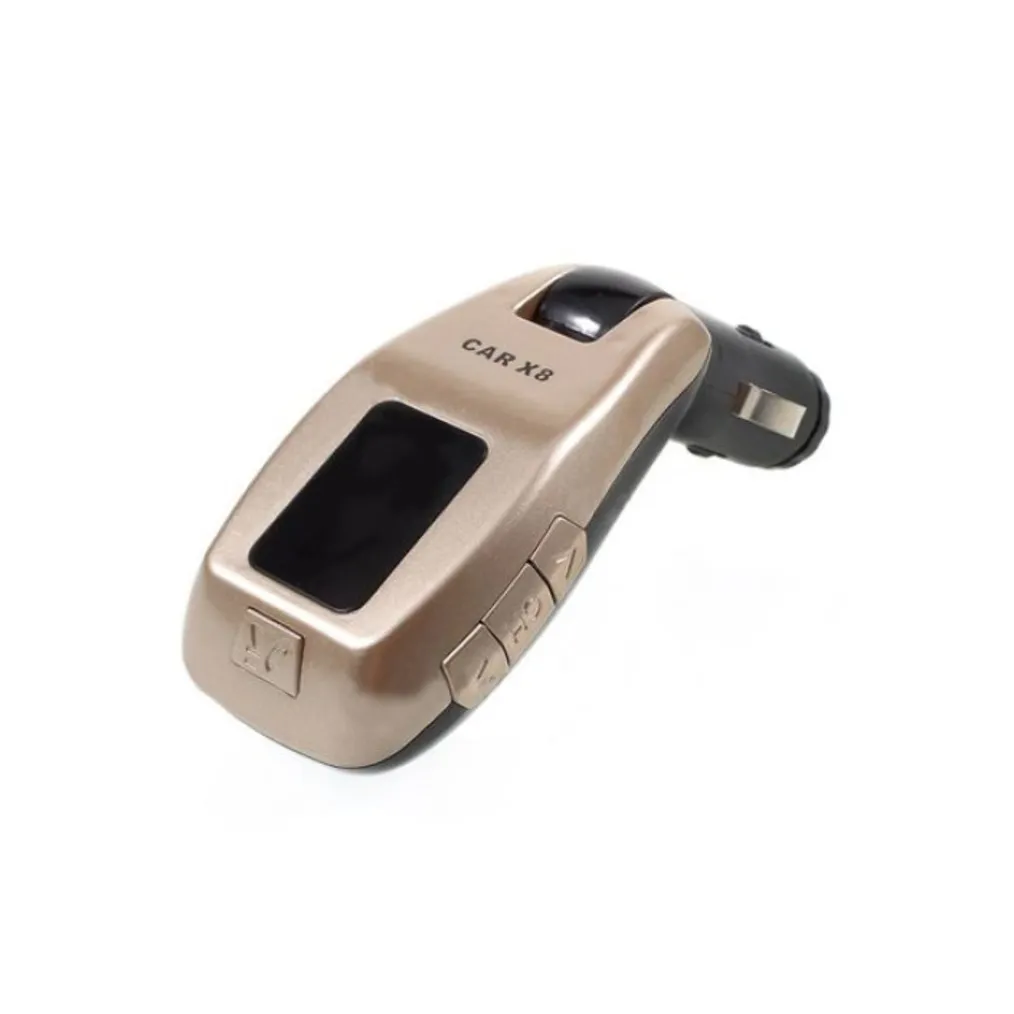
Car MP3 Player X8
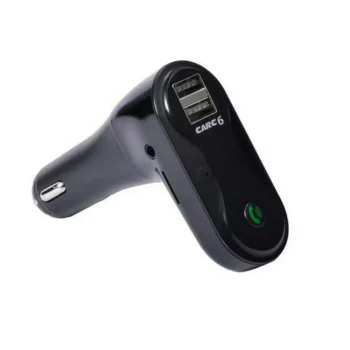
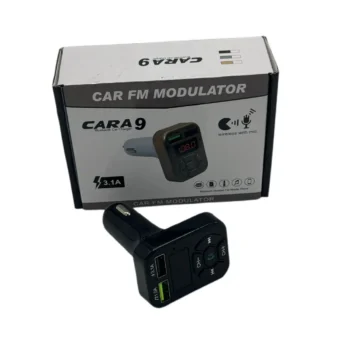
Allows you to charge your electronic devices: Includes a USB port to charge your electronic devices in your car, providing you with a convenient charging solution while traveling. Uses Bluetooth 2.1 + EDR class 2 technology: For…
- This MP3 allows you to charge your electronic devices.
- It uses Bluetooth 2.1 + EDR class 2 technology to connect to your phone.
- It connects automatically as soon as the device is turned on.
- Effective distance 5m.
- It allows you to listen to your favorite music on the radio, and this MP3 also has a built-in microphone which allows you to make and receive calls without touching the phone.
- 2 USB ports, 1 for 2.1A fast charging and 1 for listening to music.
- Allows you to listen to music from a micro SD memory card.
- Supported voltage when charging the phone input 12-26V.
- Output 5V, 2.1A.
MP3 for car X8
Allows you to charge your electronic devices: Includes a USB port to charge your electronic devices in your car, providing you with a convenient charging solution while traveling.
Uses Bluetooth 2.1 + EDR class 2 technology: For wireless connection to your phone, allowing you to stream your music and make calls without the need for a cable.
Automatically connects as soon as the device is turned on: When you turn on your car, the MP3 connects automatically, making it suitable for immediate use.
Allows you to listen to music on the radio and built-in microphone: Allows you to listen to your favorite music on the radio and make calls using the built-in microphone, without touching your phone.
2 USB ports: Includes two USB ports, one for 2.1A fast charging and one for listening to music, giving you the flexibility to use multiple devices simultaneously.
Allows you to listen to music from a micro SD memory card: Includes a micro SD memory card slot, allowing you to listen to your music from an external source, such as an SD card.
FITNESS:
- Start your car.
- Insert the MP3 into the cigarette port.
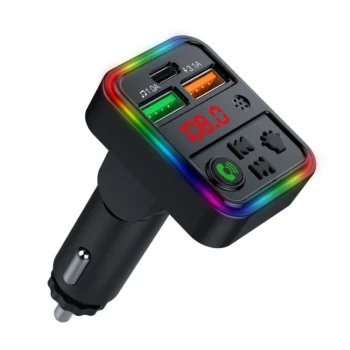
- The current voltage of your car will be displayed on the MP3 screen for a few seconds.
- The current frequency will be displayed on the MP3 screen. (Usually 87.5MHz).
- You can change the frequencies in the MP3 as desired. (It is suggested that you find an empty frequency so that you do not have interference.)
- To change the frequency in MP3, press and hold the call answer button.
- The frequency will flash (87.5MHz).
- Using the buttons (Next < &> Previous) you can change the frequency (0.1MHz per click).
- Tune the radio frequencies to the same frequencies as the MP3.
- Audio from MP3 is transmitted using radio frequencies.
- Connect your phone to your MP3 via Bluetooth.
- The MP3 will appear in your settings with the name BT-Car.
- After the first connection, your phone will connect automatically every time.
- SKU
- 00007776
- Weight
- 0.1 kg
- Category
- Audio & MP3