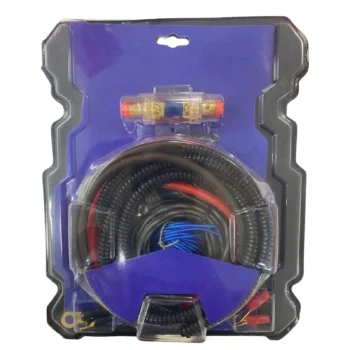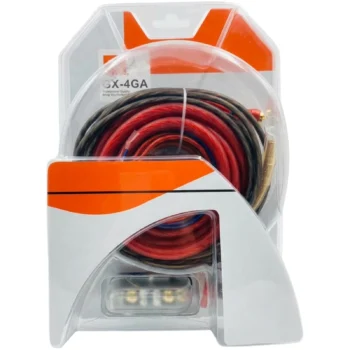
Car Amplifier Cable Set (2200W)
A5067

Endoscope: An accessory suitable for personal and professional use. Suitable for use by specialists (for various purposes), in car service, by plumbers and other technicians. Allows for detailed inspection of the car engine without dismantling it. Endoscope…
Endoscope for car inspection (with app)
Endoscope: Accessory suitable for personal and professional use. Suitable for use by specialists (for various purposes), in car service, by plumbers and other technicians. Allows detailed inspection of the car engine without dismantling it. The endoscope is equipped with an HD camera, the lens of which is water & oil resistant.
Endoscope with App: The endoscope is equipped with an application (UseePlus). Through the application, you can view the camera footage, take photos and also record videos.
The endoscope is equipped with a type-C connector for connecting to an Android smartphone or tablet. The package includes a Type-C to Lightning (for iPhone & iPad) and a type-C to micro-USB adapter.
Flexible Pipe: The endoscope is equipped with a flexible tube with a length of 95cm. The end head of which is rotatable in both directions 180°. The tube is made of resistant flexible material. The thickness of 8.5mm allows ease of use of the endoscope for various purposes.
HD camera: The endoscope is equipped with an HD camera lens. The lens is resistant to water and oily substances. Equipped with 7 LED chips, it allows clear visibility of the environment you need to check.
Simple use: