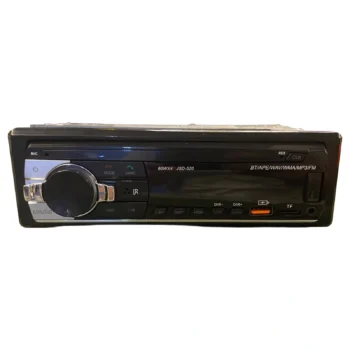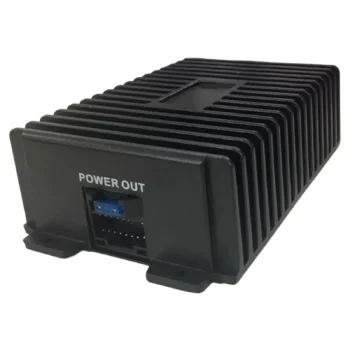
Pioneer D11 460 4 Channel Speaker Amplifier 4X60W 4Ohm
A5064
CanBus Module - Rear Camera: The cassette player is equipped with a CanBus module, which allows direct connection of the cassette player to the car. It allows control via steering wheel controls and displays various information. It allows connection to…
This product cannot be ordered at the moment.
See similar productsAndroid Car Stereo for Ford (7 inch)
Android cassette player suitable for:
Also suitable for:
CanBus module – Rear camera: The cassette player is equipped with a CanBus module, which allows direct connection of the cassette player to the car. It allows control via steering wheel controls and displays various information. It allows connection to rear view cameras, providing increased safety when reversing.
Touchscreen & Split Screen: The cassette player has a 7-inch full HD touch screen. It supports Split-Screen for opening two applications simultaneously.
Easily usable.
Carplay & Android Auto: The cassette player is compatible with the latest versions of iOS and Android systems. Voice control capability, necessary while driving. You can get directions (map), make calls, and also enjoy your favorite music. Connection is possible via USB, Bluetooth and Wireless.
The packaging contains:
Simple installation:
Tools needed for safe installation of the cassette recorder: (Case opening clip; Indicator; Insulator; Gloves).
If you feel unsure, it is suggested to have the installation done by an expert, or to consult with one.