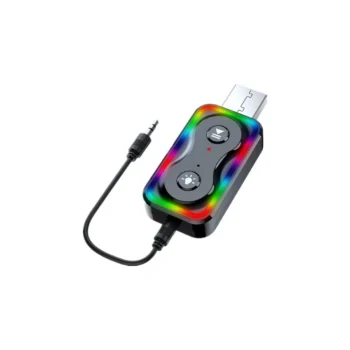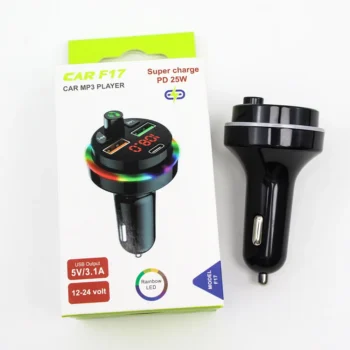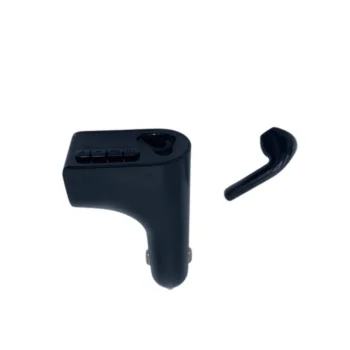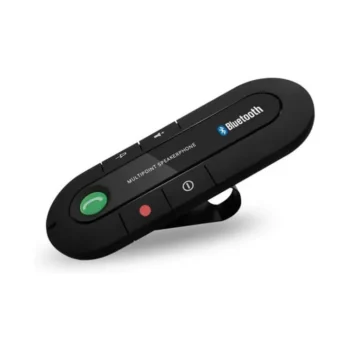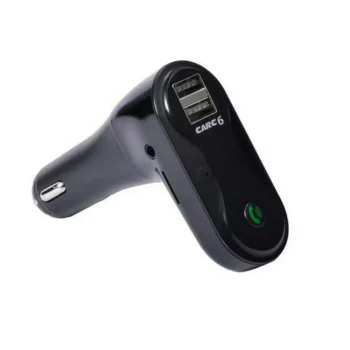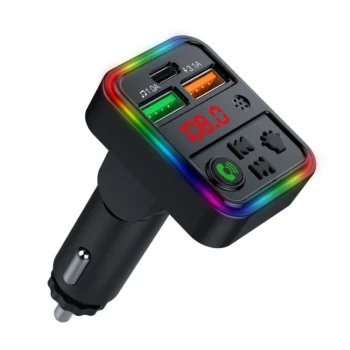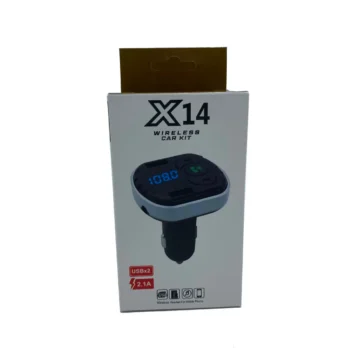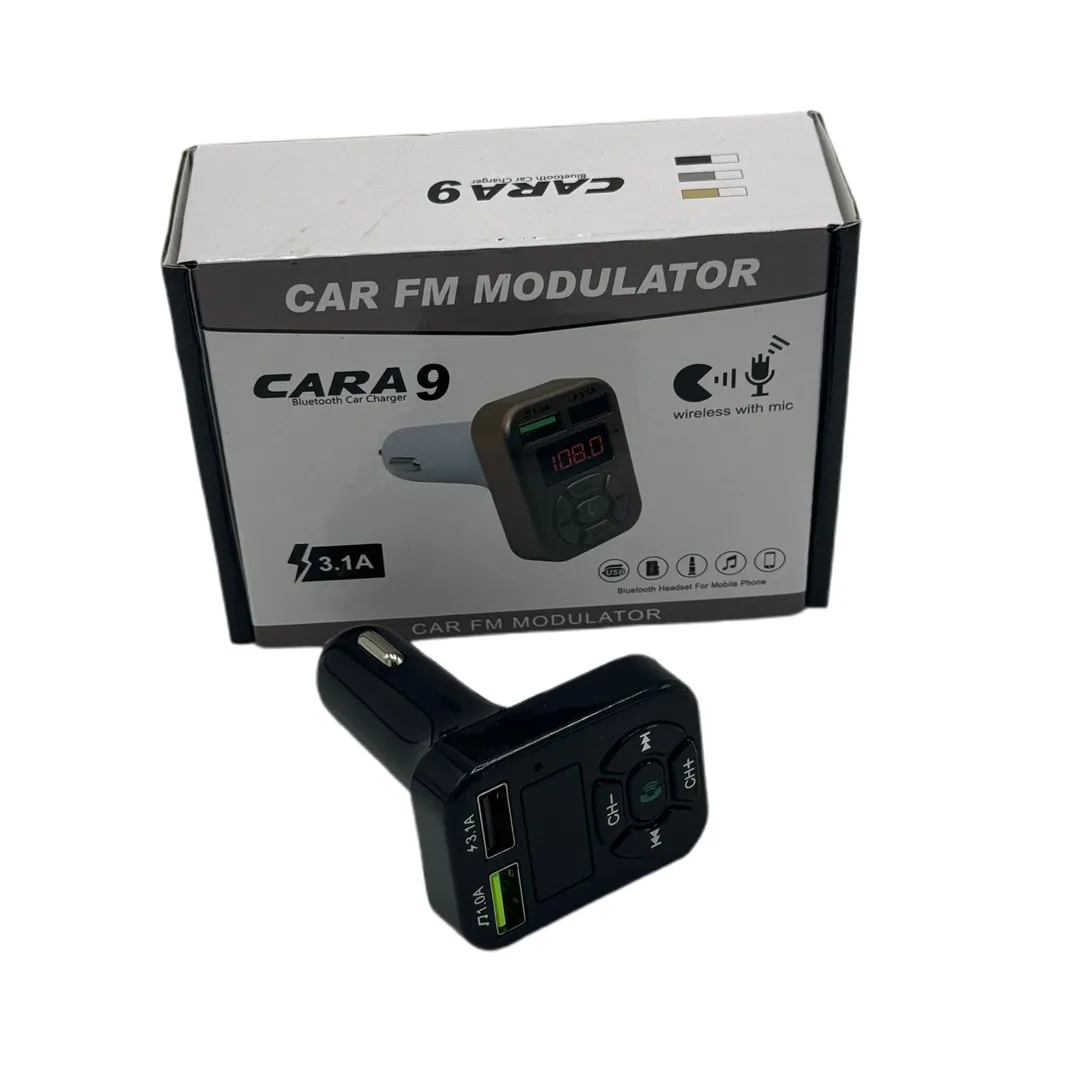
Car MP3 A9
MP3 Function: The device allows you to connect your phone to your MP3 and transfer audio via radio waves to your car radio. For the connection to be interference-free, you need to find an empty - clear station.
- MP3 function.
- Bluetooth call function
- Full frequency FM transmitter.
- Digital display.
- Supports U Disk/TF Card Player devices.
- CVC technology.
- Voltage: 5V/3.1A.
- Size: 8 x 5 x 3.7cm.
- Weight 30 grams.
MP3 for A9 Machine.
MP3 Function: The device allows you to connect your phone to your MP3 and transfer audio via radio waves to your car radio. For the connection to be interference-free, you need to find an empty - clear station.
Bluetooth Calling: The MP3 allows you to answer, end, and reject phone calls. You can perform these functions by pressing the corresponding buttons on the MP3 without using your phone – the phone must be connected via Bluetooth to the device.
Full-frequency FM transmitter: Enables music transmission via full FM frequency, offering wide options for finding an empty frequency on the car radio for listening to music without interference.
Digital Display: Displays information on a digital screen to help track and control device functions.
Supports U Disk/TF Card Player: Provides support for playing music from U Disk devices and TF cards, providing a wide range of choices for listening to music in the car.
CVC Technology: Uses technology to reduce the effect of echo and noise during phone calls for high sound quality.
USB Output: Provides support for USB output with a high power of up to 5V/3.1A to charge electronic devices in the car.
Simple use:
- Start the car.
- Insert the MP3 into the cigarette port.
- The MP3 screen will display the current voltage of your car.
- The current frequency will be displayed on the MP3 screen.
- You can change the frequencies in the MP3 as desired. (It is suggested that you find an empty frequency so that you do not have interference.)
- To change the frequency in MP3, press and hold the light change button.
- The frequency will flash.
- You can change the frequency using the buttons (Next < &> Previous).
- Tune the radio frequencies to the same frequencies as the MP3.
- Connect your phone to your MP3 player via Bluetooth.
- MP3 will appear in your settings.
- After the first connection, your phone will connect automatically every time.
- SKU
- R526212
- Weight
- 0.1 kg
- Category
- Audio & MP3